By popular demands I am publishing pictures of my JTAG, which I made to revive a wireless router some time ago. Just click on the picture below to see it in all ghetto-style glory with some explanations of my "design decisions".
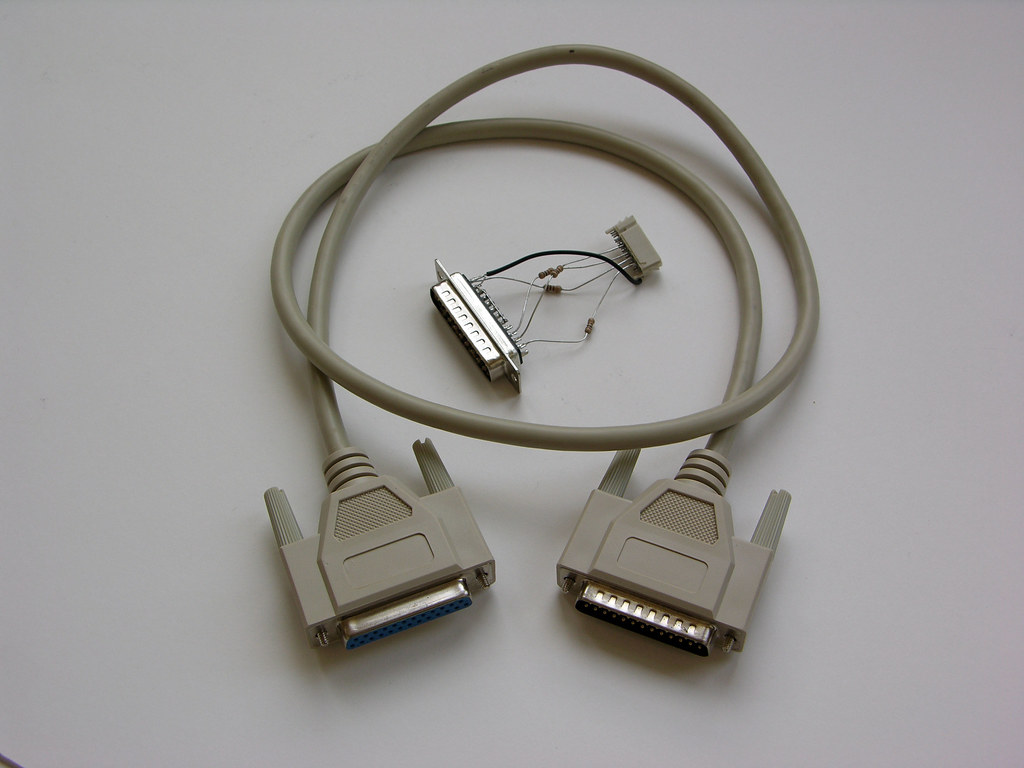
You can see that it is very basic. It was made in ~3 minutes and costs ~$6 (the most expensive part was the cable — $3.99). It was assembled according to this diagram. You can find a full description of details here.
It looks like this is the last update before upcoming beta release. Besides some minor bug fixes, it sports improved firewall configuration widget:
- Compact representation of port ranges.
- Example: tcp 9000-9100 ⇒ mycomp
- Port redirection.
- Example: tcp 8080 ⇒ mycomp:80
While the former improves on existing functionality, the latter implements totally new feature. It allows mapping external ports to different ports of internal computers. Redirection of ranges is supported as well. As a matter of fact it was the most requested feature so far.
It looks like nbd was able to find the problem, which plagued many people (including me) with QoS. You can find details in this thread on OpenWrt forum. Instructions on how to install QoS package can be found in this FAQ entry. Give it a whirl and don’t forget to thank Felix Fietkau (nbd).
QoS was the biggest feature on my "wanted" list. It means now I can produce an OpenWrt GUI (webui) module to deal with it. It coincides well with release of Dojo 0.2.2. But most probably I’ll be using a snapshot because guys added so much new stuff to Dojo preparing for Dojo 0.3 (widget release). Given the stability of OpenWrt GUI Homunculus Alpha release, I may upgrade new release to Beta status.
I just released a refresher for OpenWrt WebUI alpha package. It fixes a bug, which was reported by several people.
Some users had problems with Net configurator applet, if wl0_country_code was unset in NVRAM. While it is extremely easy to set, I suggest reinstalling webui. Please read the original post on how to do it.
Thank you guys for your great feedback! Working together we will make webui even better.
Finally I released WebUI 0.1 (Homunculus) alpha — AJAX-based web interface for OpenWrt made with Dojo! Highlights of this release: 5 more applets including firewall configurator and more network settings. Now proceed to install the package and to read release notes.
The package is here: webui-0.1-alpha.ipk. You can install it using following command in OpenWrt shell:
ipkg install http://lazutkin.com/download/webui-0.1-alpha.ipk
Release notes:
- WebUI can be installed side-by side with webif (comes standard with OpenWrt White Russian RC4). To access it use following URL: http://your_router/webui.html.
- Five more applets are added to this release:
- System: provides a menu for existing applets.
- Firewall configurator: simple management of DMZ and port forwarding.
- Hosts configurator: manages a list of static hosts (used by DNS and by Firewall configurator).
- Ethers configurator: manages a list of static assignment of IP by MACs.
- WDS configurator: manages WDS connection settings.
- General clean up of user interface:
- More information is moved to tooltips.
- Help is provided by tooltips.
- Context-specific references to OpenWrt documentation.
- Tested on following browsers:
- Firefox: works.
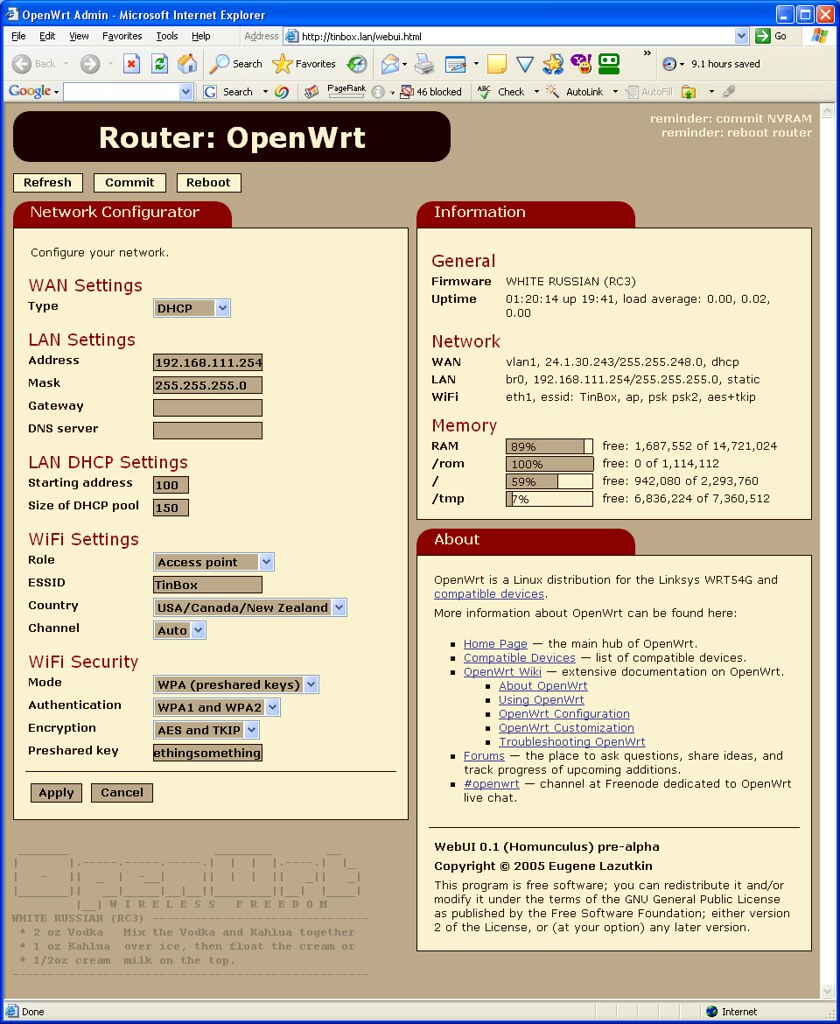
- IE6: works.
- Opera 8.50: doesn’t work.
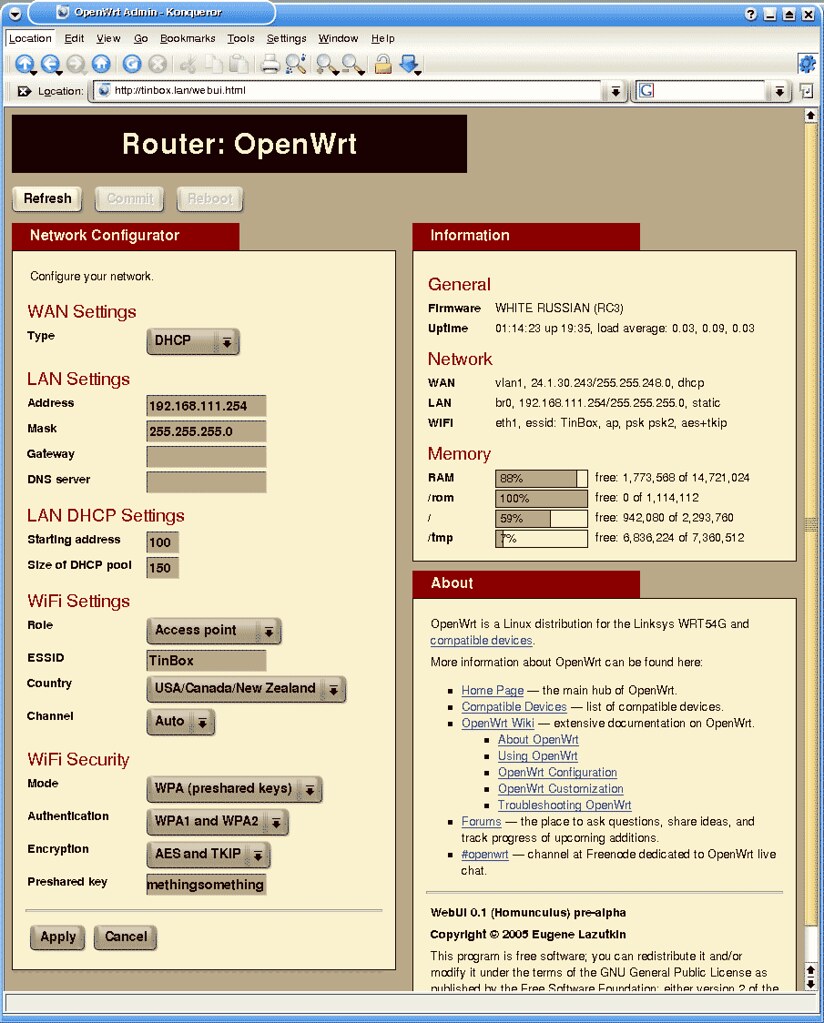
- Konqueror: doesn’t work.
- I decided to proceed with release in spite of Konqueror and Opera problems. I hope it will be solved later. For now use Firefox.
- As always I appreciate your feedback: openwrt [@] lazutkin [.] com.
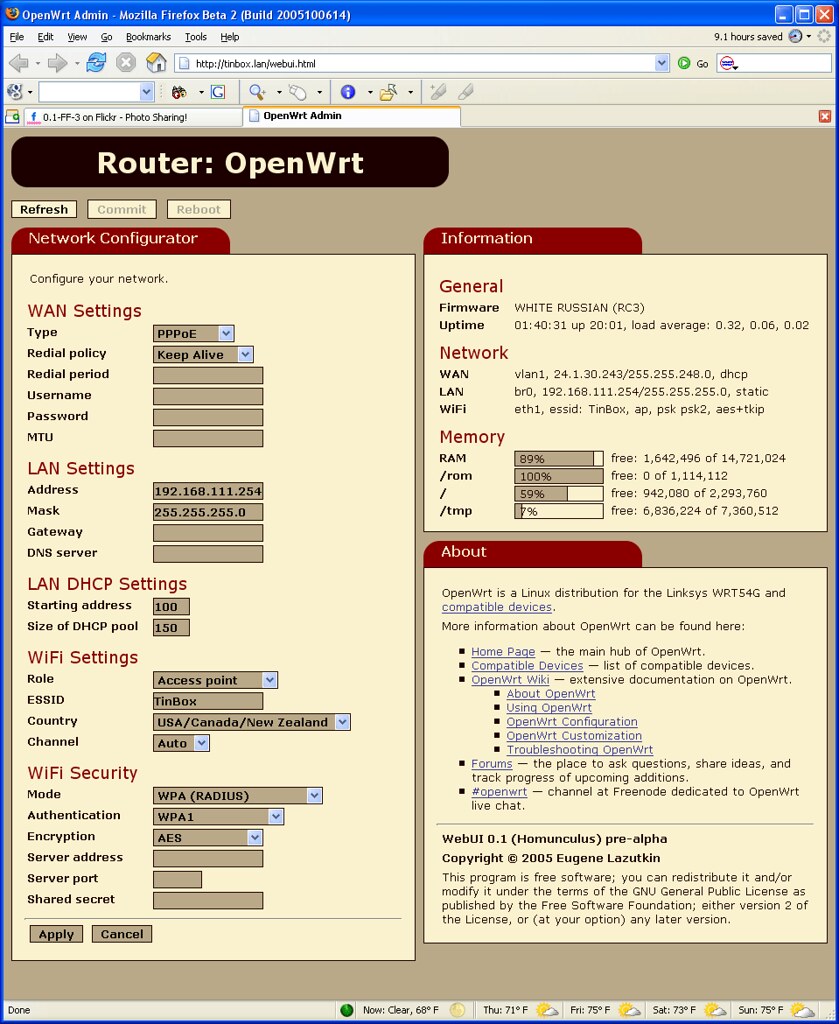
During final tests I found a nasty bug in "Firewall configurator" applet. I decided to postpone the release until I’ll be able fix it. Here is the bastard:
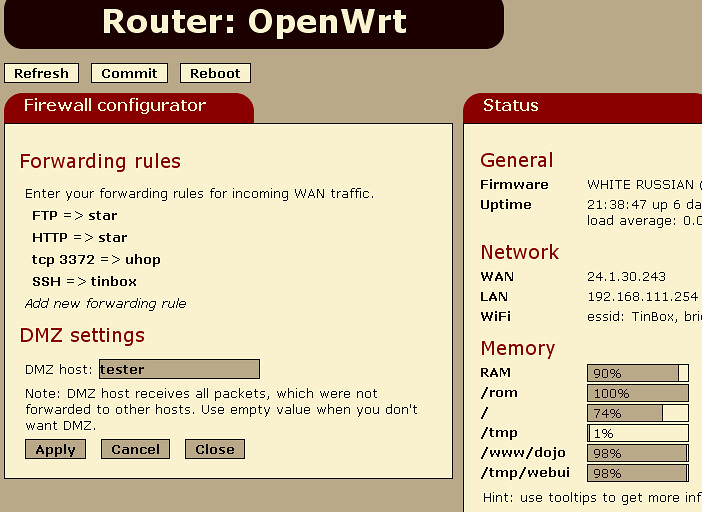
I was able to work more on OpenWrt GUI. Alpha release seems inevitable now. I’ll try to publish it during this weekend.
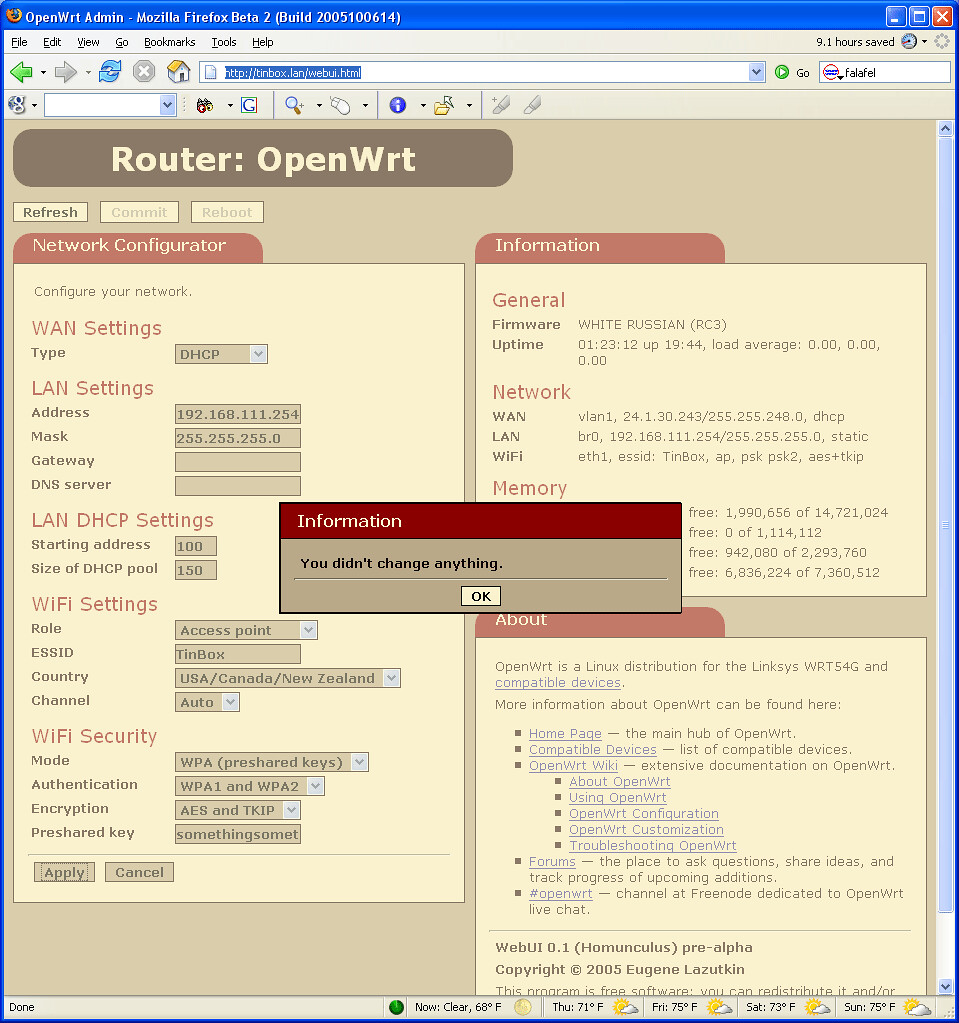
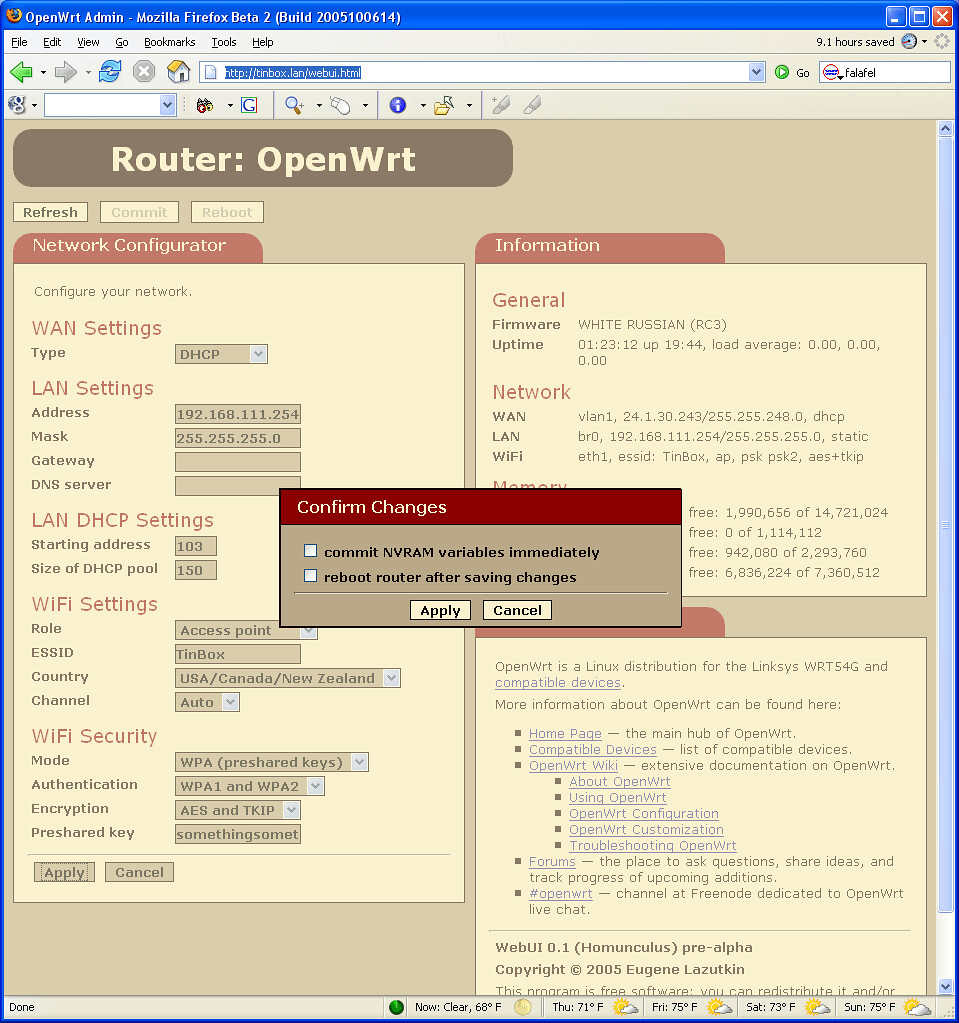
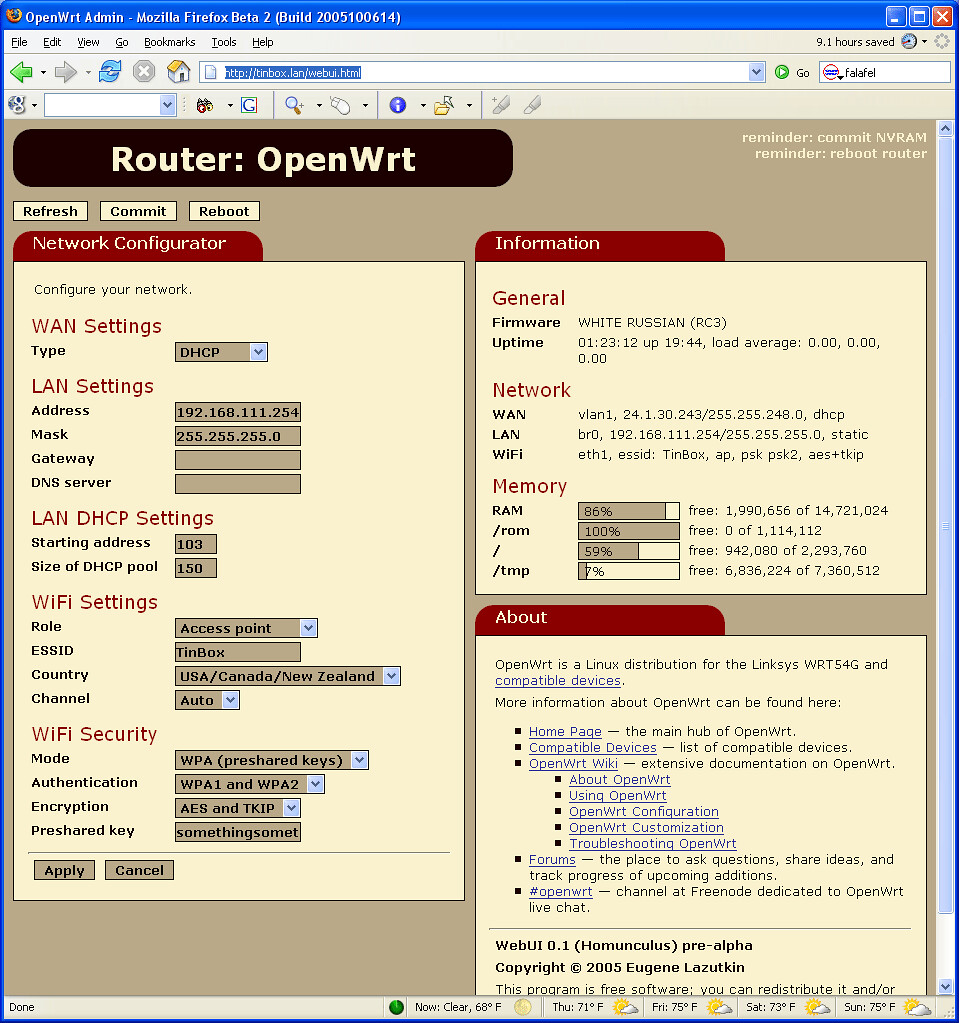
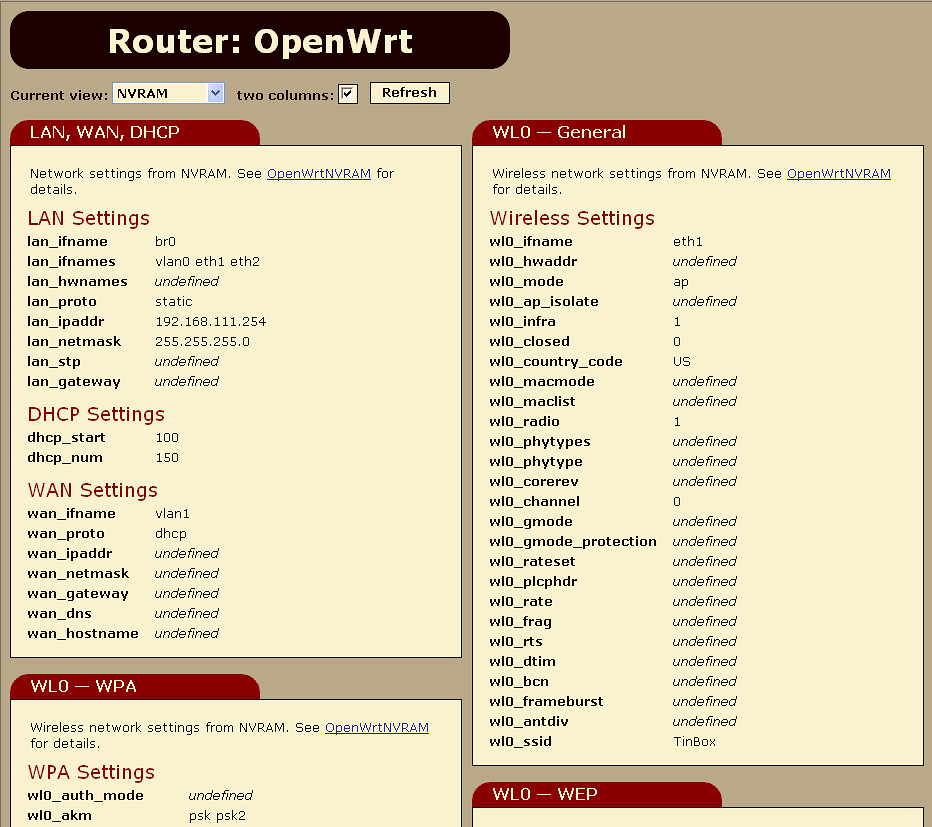
I added back the main applet, which serves as a menu for all other applets. More network configuration-related applets are added. Status applet is cleaned up considerably: all less important information was moved to tooltips. Here is a new screenshot for your viewing pleasure:
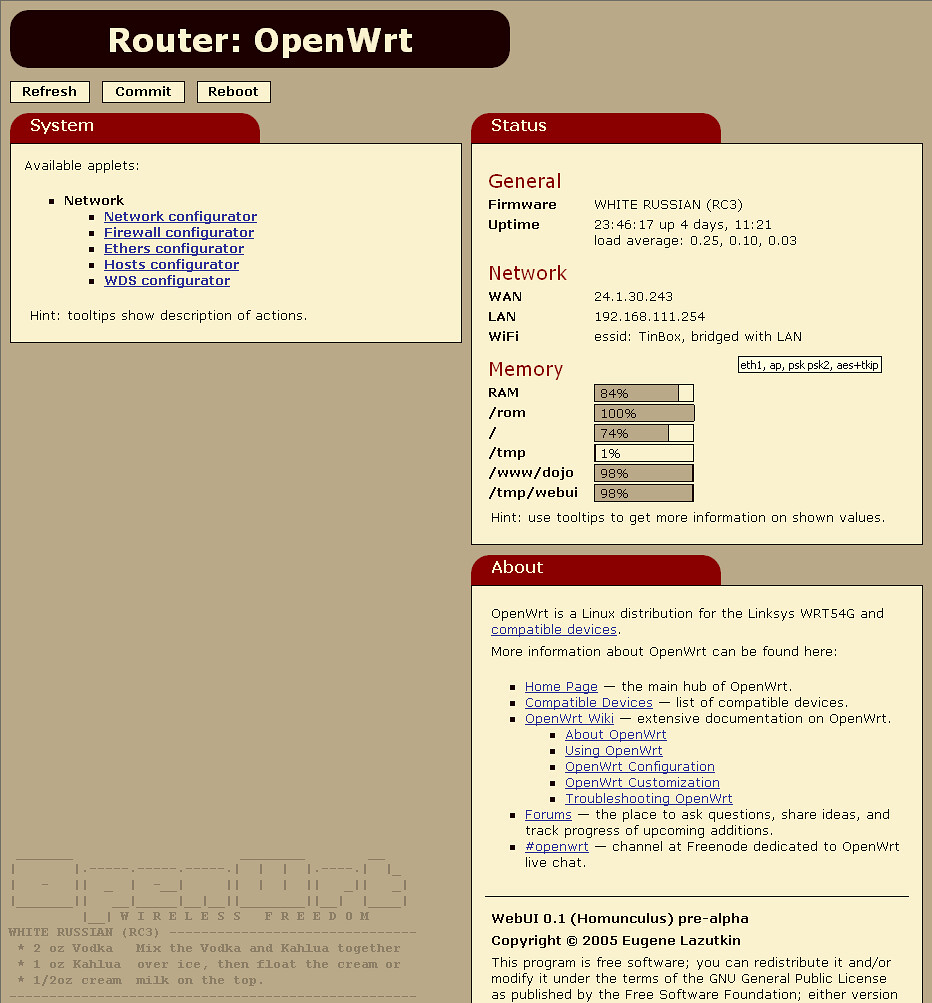
Stay tuned for upcoming alpha release!
I didn’t have a lot of time this weekend. So I decided to implement the simplest part of upcoming OpenWrt GUI (webui) — hosts editor. It is a perfect candidate to write something in 15 minutes or less — it has almost no "business" logic in it: read/edit/verify/write cycle. The hardest part was to learn how to upload dynamically generated files without writing them to disk first.
It turned out to be very simple. Right now it is implemented using Dojo’s versatile dojo.io.bind() facility and some external code.
Update: this document is officially obsolete — alpha is released!
Please download it again: /webui-0.1-pre-alpha.ipk — two debug files made their ways to the release messing things up. Now it is fixed and I hope it’ll work for you.
Update: this document is officially obsolete — alpha is released!
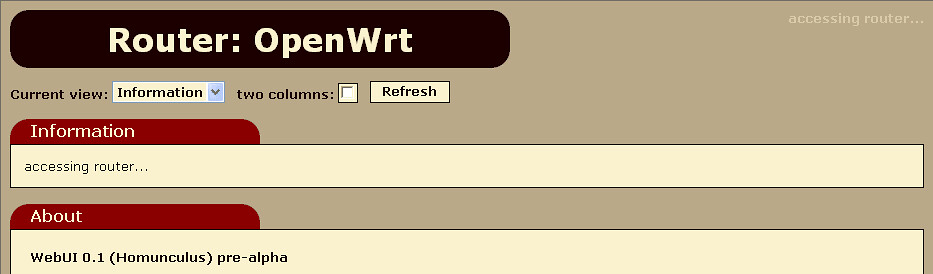
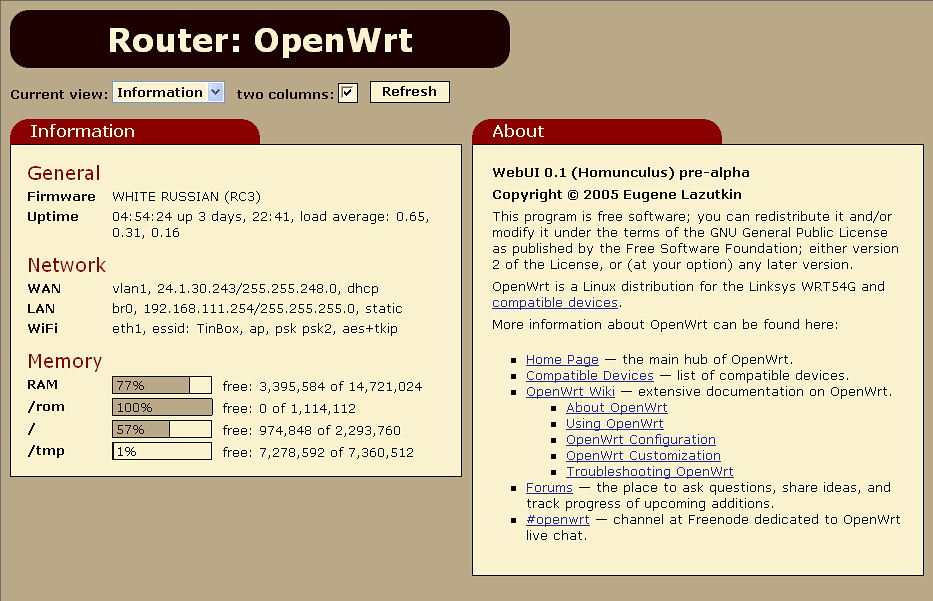
Finally I released a preview: /webui-0.1-pre-alpha.ipk!
I included two information applets and a simple network configuration applet. I think it would be enough for a proof of concept. I borrowed heavily from nbd’s webif. So if it works for you, it is due to his OpenWrt expertise. If it doesn’t, it is my fault.
Both webif and webui can be installed side by side:
Finally I found time to finish it up. It is pre-alpha quality now, but shows the direction.
The only problem is a packaging. I didn’t mean OpenWrt’s IPKG. I am talking about creating a custom build of Dojo to reduce the foot print. Dojo has a special provision for that but so far I was not able to do it getting some strange errors. I hope I’ll get some help from developers.
As you know I bricked my wireless router. All simple things were tried without any positive effect. Kaloz (of OpenWrt fame) has advised me to try JTAG. It’s a very simple thing: you need a computer, a proper software, and JTAG cable, which can be self-made. Obviously the last part is the crucial one.
I made a trip to my friendly neighborhood Altex store and bought all necessary parts: 4 100 Ohm resistors, male & female 14 pin IDC connectors (they didn’t have 12 pin ones, which were modified later using cutters), 25 pin male SUB-D, and 3’ 25 pin male to female cable — I figured I’ll make extremely short JTAG "cable" and attach it to short printer cable. The last item was the most expensive part: $3.99. It took me about 5 minutes to put everything together.
Today I have good news and bad news.
The good news is tonight I was able to work on AJAX OpenWrt GUI a little bit more. It is coming together. I coded my first applet. It shows current stats, nothing fancy.
The bad news is I bricked my router apparently by running nvram show repeatedly. I suspect that nvram is corrupted beyond salvation. I have to reset it somehow. I tried simple recipies listed in OpenWrt Wiki but no luck so far. I’ll try to revive it on weekend. I have a feeling that my future lies with JTAG. Until the router is up I cannot debug OpenWrt GUI.
I was able to spend several hours this week to work on upcoming OpenWrt GUI. I use Dojo as a foundation. At this point I coded a skeleton, which works as a proof of concept. As soon as I finish putting in AJAX guts, I’ll switch to meaty functionality. Add some nice skin to it and we have our homunculus up and running.
Huh? AJAX? No, it’s not Ajax the detergent. No, I didn’t mean Ajax the pro soccer club. "Now I clearly remember that AJAX is a Trojan, and I don’t like Trojans and viruses" — clever, but no. Go see the movie about Greek heroes and the Wooden Horse. And let’s skip "Trojan" discussion altogether — I’m trying to be PG-13 rated.
Finally I bit the bullet and decided to implement OpenWrt web-based user interface using Felix Fietkau’s code. Well, MIPS processors used by OpenWrt units are not race horses and GUI is slow to my taste. Yes, I know that stock firmware is not faster. "Slow" is absolute category for me.
How do we combat latencies and slow network speed? Exactly. We can apply the same for OpenWrt, where "slow network speed" is replaced with "slow processor on local network". So I decided to do The Right Thing(tm) and implement it using AJAX approach. I will use Dojo.